Recommend products that complete a Shopify offer
An offer can require a snowboard and wax. If the cart already contains the board, RecoReady can highlight relevant wax that completes the offer. Shopify decides whether the final cart qualifies and applies the discount.
Install and choose a sufficient plan
Choose Free, Standard or Growth in Shopify and let the catalog sync. Free covers up to 50 online orders and 1,000 active products. Standard is US$17.99 per 30 days; Growth is US$39.99. Both paid plans include a 15-day trial.
Create the offer you want to promote
In Promotions, choose the specific products for a set, define the discount and publish it. Use sellable products and check the rule's dates and discount combinations. Products keep their separate cart lines; this does not create a bundle SKU or manage component inventory.
Enable promotion-aware cart recommendations
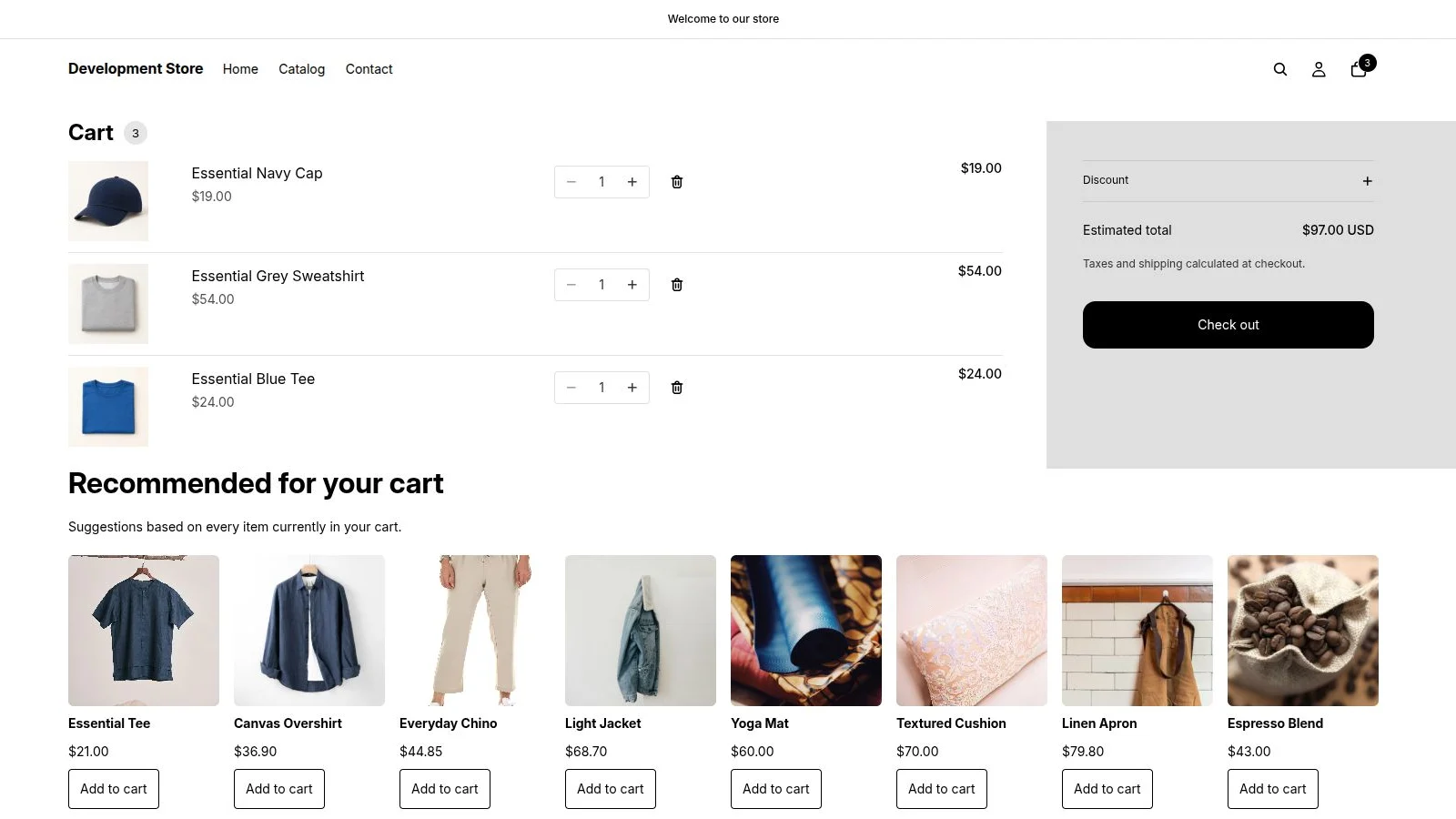
In Promotions, enable Highlight products that complete a promotion. Add Recommended for your cart to the cart template in Shopify's theme editor and save. For a compatible native cart drawer, you can also enable Cart drawer suggestions; check your theme before relying on this placement.
Check the shopper's whole journey
Put only part of the set in the cart and review the suggestions. A relevant, available missing product may be highlighted. Add it and compare the discount in the native cart and checkout, including any other offers you use. Review attributed activity in the dashboard after real use.
A promotion does not guarantee a particular product will be recommended: relevance, availability and eligibility still apply. The displayed offer is not a promise of savings for every cart. Shopify calculates the final discount, and attributed sales do not prove incremental revenue.
Install from Shopify App Store