Product recommendations for a new Shopify store
A new store has no purchase history. RecoReady can still suggest active, sellable products using catalog details and available popularity signals.
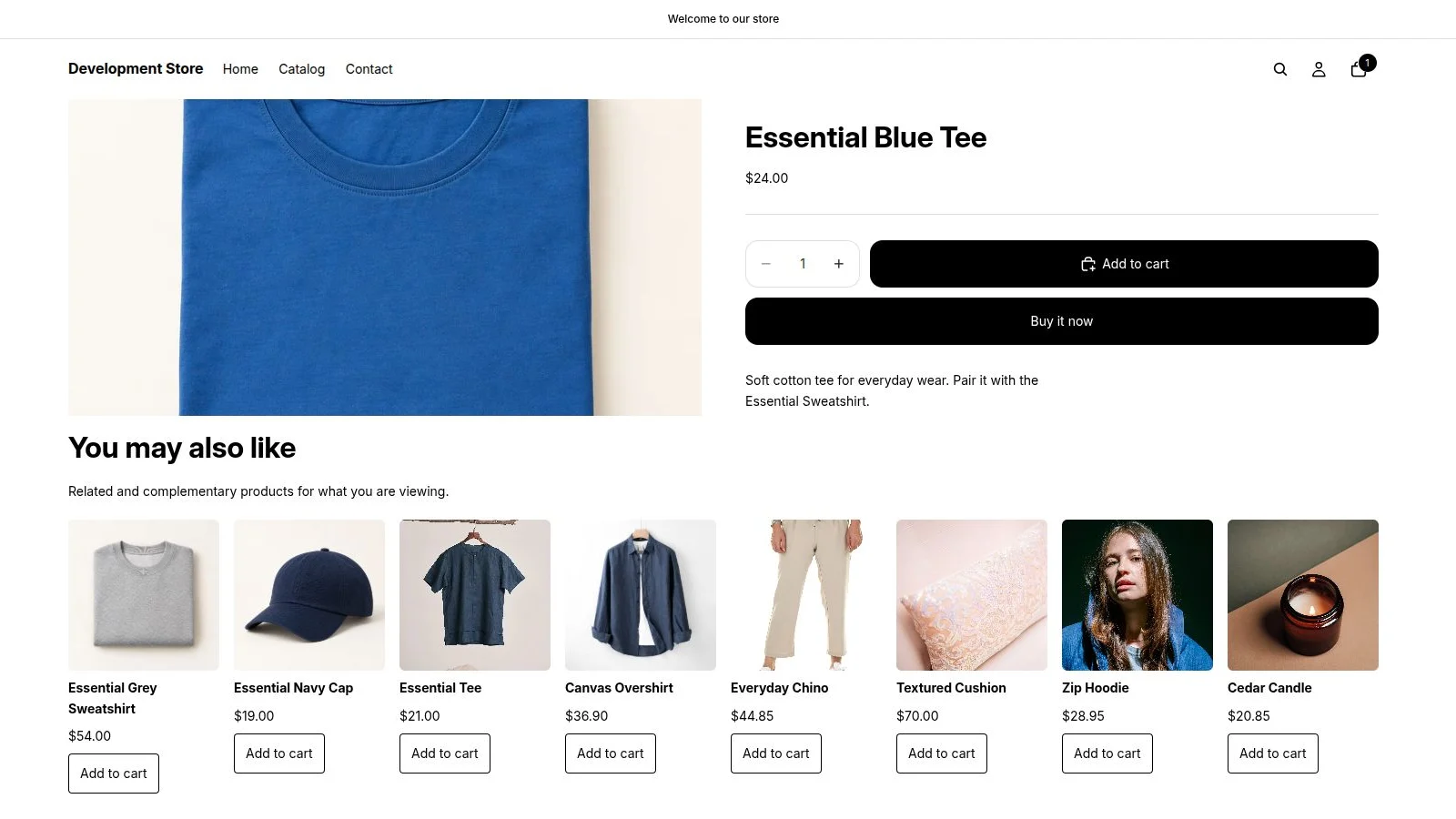
Prepare the catalog
Publish the products you want to sell in the Online Store channel. RecoReady can only show candidates that shoppers can actually buy.
Install and sync
Install RecoReady, choose a Shopify plan and allow the initial catalog sync to run. You do not need to create a product feed or choose an algorithm.
Place the product block
In the product template of Shopify's theme editor, add You may also like and save. The product page can then show related alternatives and complements.
Add other blocks when useful
Recommended for your cart uses the whole basket. Complete the set needs enough products observed in purchases together, so it may not appear in a new store.
Recommendations improve as the store receives orders. The dashboard reports attributed results; they are not proof of incremental revenue.
Install from Shopify App Store